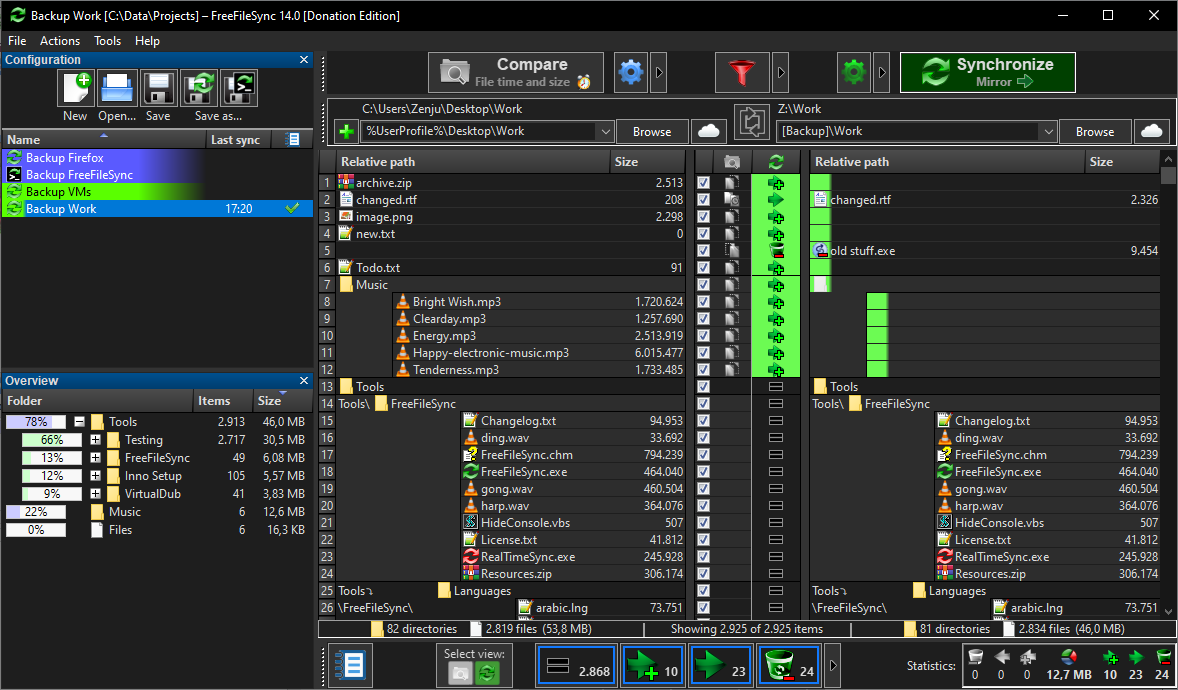
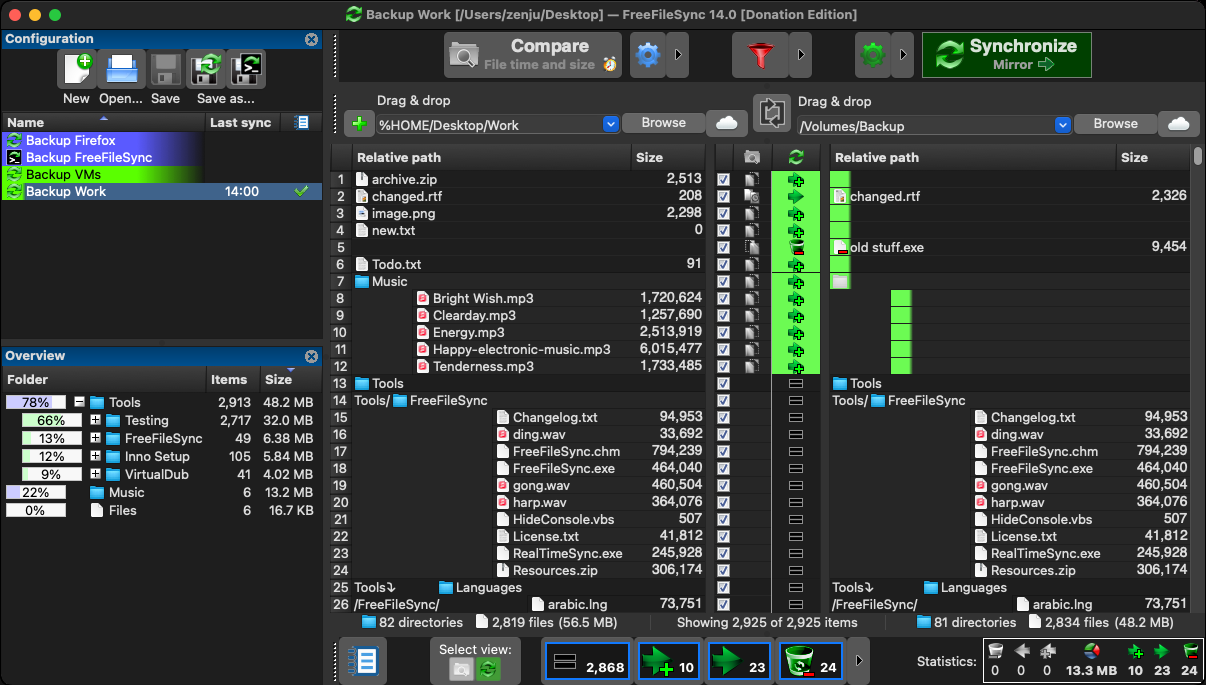
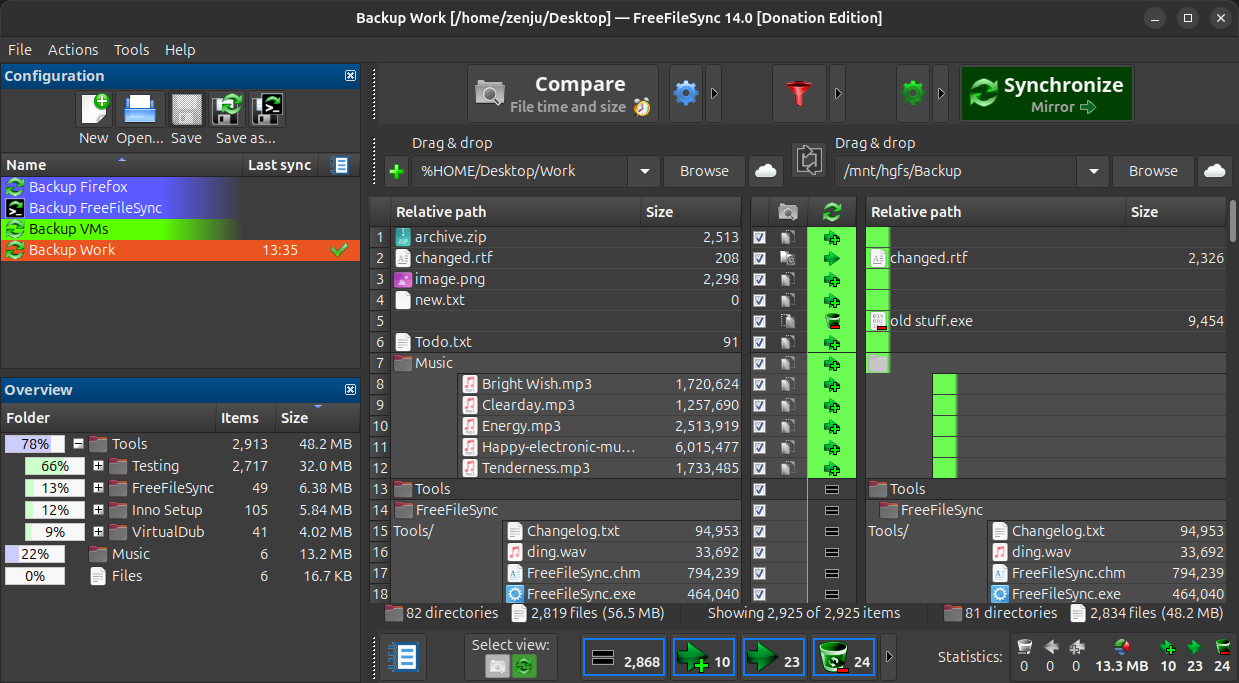
It's not like freefilesync was natively in dark, but you could have freefilesync in a windows window and with a dark theme.
freefilesync inside a windows window. Launched from wsl under windows ✅

wsl should be disponible for free for win10 and win11, even with windows home versions (no need a win pro version) https://learn.microsoft.com/en-us/windows/wsl/
Installation steps wsl/freefilesync
1. install wsl with powershell as admin :
wsl --install
3. install freefilesync from a wsl terminal :
- launch a standard terminal from windows, like cmd
- type wsl in this cmd terminal. This should open a new wsl terminal.
-then try install freefilesync in your wsl :
sudo apt install wget tar
wget https://freefilesync.org/download/FreeFileSync_13.0_Linux.tar.gz -O freefilesync.tar.gz
tar -xzf freefilesync.tar.gz

cd FreeFileSync

./FreeFileSync

sudo ln -s "$(pwd)/FreeFileSync" /usr/local/bin/freefilesync
maybe
sudo apt install gnome-themes-standard
export GTK_THEME=Adwaita:dark
5. then you should be able to launch freefilesync by typing freefilesync, from wsl terminal and have freefilesync with a dark version, on windows
It's maybe not perfect cause it's not like you have freefilesync natively dark, but at least you have freefilesync dark, from win10 or win11