

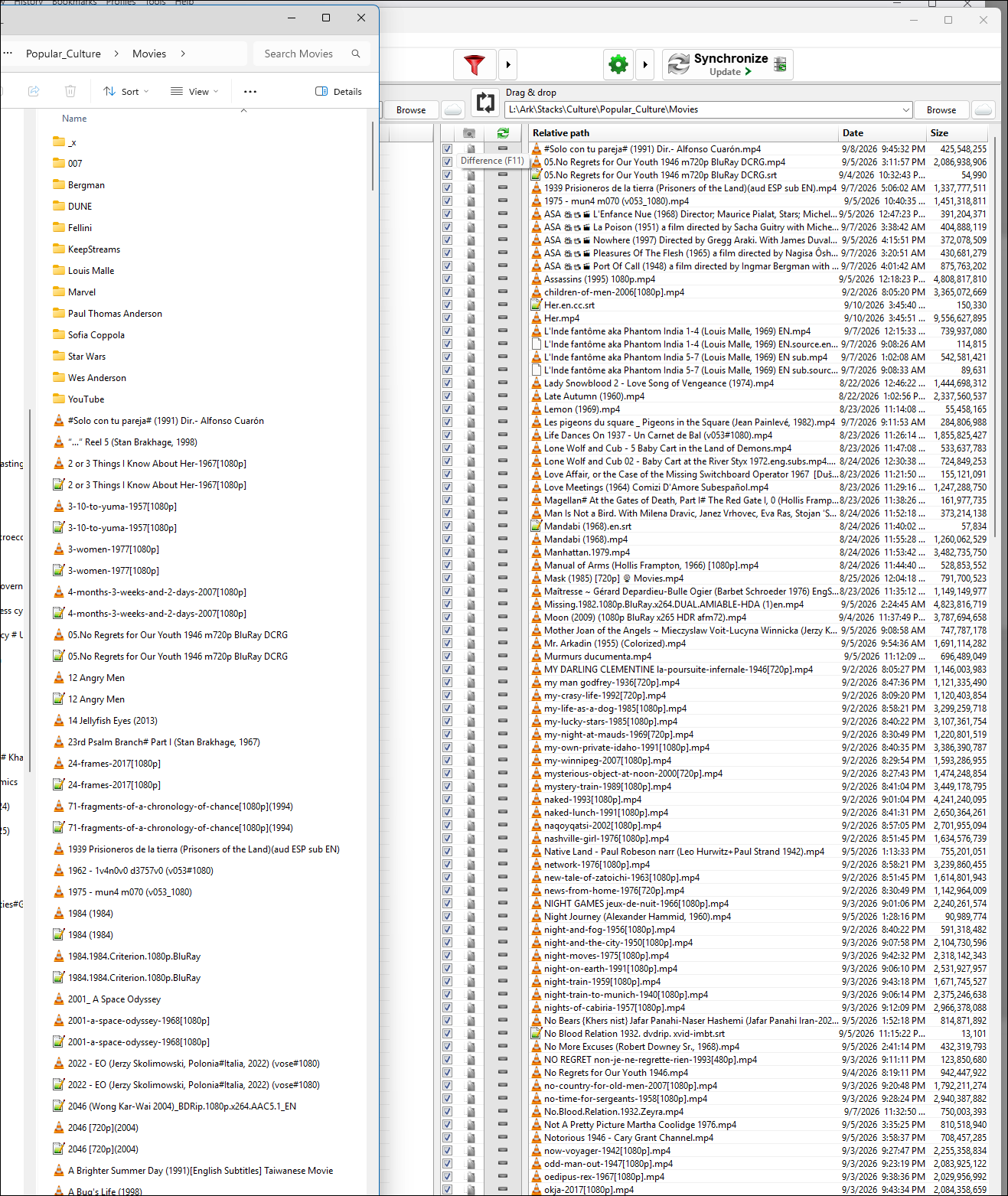
Update version Not showing all files in folders
- Posts: 2
- Joined: 10 Sep 2026
I just updated to 14.12 64bit and I'm puzzled about the comparison displays. I expected to see all of the contents on the two compared folders but not only does the source folder show only files not on the destination, the destination folder does not show all of its contents. I'm confused looking at this display now. I've looked through the optional settings dialog but do not see anything that would help. I used to be assured I was seeing all contents on both folders with indications of differences and available actions. Is this some display option I can change to get the full picture again? Thnx -ks
-

- Posts: 3017
- Joined: 22 Aug 2012
Mid below the left and right Compare results (in field 11 of the Main Dialog Overview) you can toggle the visibility of all available Compare result categories.
By default, only the differences between left and right are visible.
By clicking the "="-icon, you toggle the visibility of files that equal left vs right.
By default, only the differences between left and right are visible.
By clicking the "="-icon, you toggle the visibility of files that equal left vs right.
- Posts: 2
- Joined: 10 Sep 2026
There we go! Alright, thank you Plerry!